The software works. The features are right. It was configured properly and delivered on time. And three months later half your staff are back to registers and Excel, using the new system only for the parts they're forced to.
This is the most expensive failure in business software, and it has almost nothing to do with the software.
Why Staff Resist (It's Usually Rational)
The instinct is to treat resistance as reluctance to change. Usually it's something more specific and more fixable:
The new way is slower for them. Writing on a slip takes seconds. If the digital equivalent takes a minute, staff aren't being difficult — they're being efficient. Count the taps for your most frequent task before blaming anyone.
It doesn't handle their real situations. The unusual order, the partial payment, the customer with missing details. Software that only handles the ideal path forces workarounds, and workarounds become the actual process.
Nobody explained why. A change imposed without reason feels like surveillance or extra work. The same change explained — this stops you being blamed for lost orders, this means you don't chase the same customer twice — lands completely differently.
They fear looking incompetent. An experienced employee who's been excellent for ten years now can't complete a basic task. That's uncomfortable, and people avoid discomfort by avoiding the system.
Nobody asked them. The person specifying the software is usually not the person using it daily. Requirements come from management; the pain lands at the counter.
What to Do Before Training Starts
Involve the actual users during selection. Not at launch — during evaluation. Your billing clerk and your field staff should see the system before it's chosen. They'll spot problems management won't, and people who were consulted resist far less than people who were informed.
Have your least technical person test it. Not your most capable. If they can complete a common task in twenty minutes without help, adoption will happen. If they struggle, no training will fix it.
Map the exceptions. Ask staff for their five most awkward daily situations and confirm the system handles them. This single step prevents most workarounds.
Training That Actually Works
Train on their real work, not on features. A session walking through every module teaches nothing. A session where each person completes their own actual daily tasks in the new system teaches everything.
Short and repeated, not long and once. Two hours of everything is forgotten by Tuesday. Thirty minutes, three times across two weeks, with real work in between, holds.
Role-specific. Your billing person doesn't need the reporting module. Teaching everyone everything wastes time and dilutes what matters.
Written reference they'll actually open. Not a manual. A single page per role with the four or five tasks they do daily, with screenshots. Stuck on the wall near the counter beats a PDF nobody opens.
Train during a quiet period. Not the week before festival season, which is exactly when most implementations get scheduled because that's when the deadline landed.
The First Month Decides It
Nominate an internal champion. Someone in the business — not the vendor — who others ask when stuck. Without this, every small question becomes a support ticket and momentum dies within a fortnight.
Be present for the first week. Whoever owns the rollout should be around, watching people use it, and fixing small frictions immediately. Most abandonment starts with a small problem nobody resolved.
Remove the old path deliberately. As long as the register is on the counter, some people will use it. Once the new system genuinely works, the parallel path has to close — otherwise you maintain both forever.
Collect complaints seriously. "This is annoying" from a staff member is information, not resistance. Frequently it points at a configuration issue that takes ten minutes to fix and would otherwise have caused abandonment.
The Signals Adoption Is Failing
Watch for these in weeks two to eight, when they're still fixable:
Records entered in bursts rather than daily — someone catching up on Friday from paper notes. Key fields consistently left empty. A parallel spreadsheet appearing. Staff asking each other rather than using the system. Usage dropping after the first fortnight rather than settling into routine.
Each has a specific cause worth finding. Usually it's a real situation the system handles badly, and staff worked around it rather than reporting it.
What Not to Do
Don't use monitoring as motivation. Tracking who logged in and for how long produces performative usage and damages trust. Judge whether the work is getting done, not whether the screen was open.
Don't blame the staff. If adoption fails, the cause is almost always scope, speed, exceptions, or training — all of which are the implementation's responsibility.
Don't roll out everything at once. The most common failure. Billing, inventory, CRM, reporting, and communication switched together overwhelms people. One process, working properly, then the next.
How to Know It Worked
Thirty and ninety days after launch, ask: are staff using it daily without being reminded? Has the parallel paper process actually stopped? Can you get answers about your business faster than before? And are the people who resisted most now using it?
That last question is the real test. Adoption isn't when the enthusiastic staff use it — it's when the reluctant ones do.
How We Approach Rollouts
Jayshree Technosoft LLP handles training and rollout as part of implementation rather than as a handover session — involving actual users during selection, training on real work in short repeated sessions, role-specific reference material, and being present during the first week when small frictions decide the outcome.
We've been called in to rescue enough abandoned implementations to know that the software is rarely the reason. Getting the rollout right costs a fraction of doing it twice.
Implementing new software, or dealing with one nobody uses? Get in touch — an abandoned system is frequently recoverable if the cause is found rather than assumed.
Recent Articles

Custom CRM & Software Solutions for Mobile & Accessories Stores: How Jayshree Technosoft Can Help

Custom CRM & Software Solutions for Property Valuation & Survey Companies: How Jayshree Technosoft Can Help
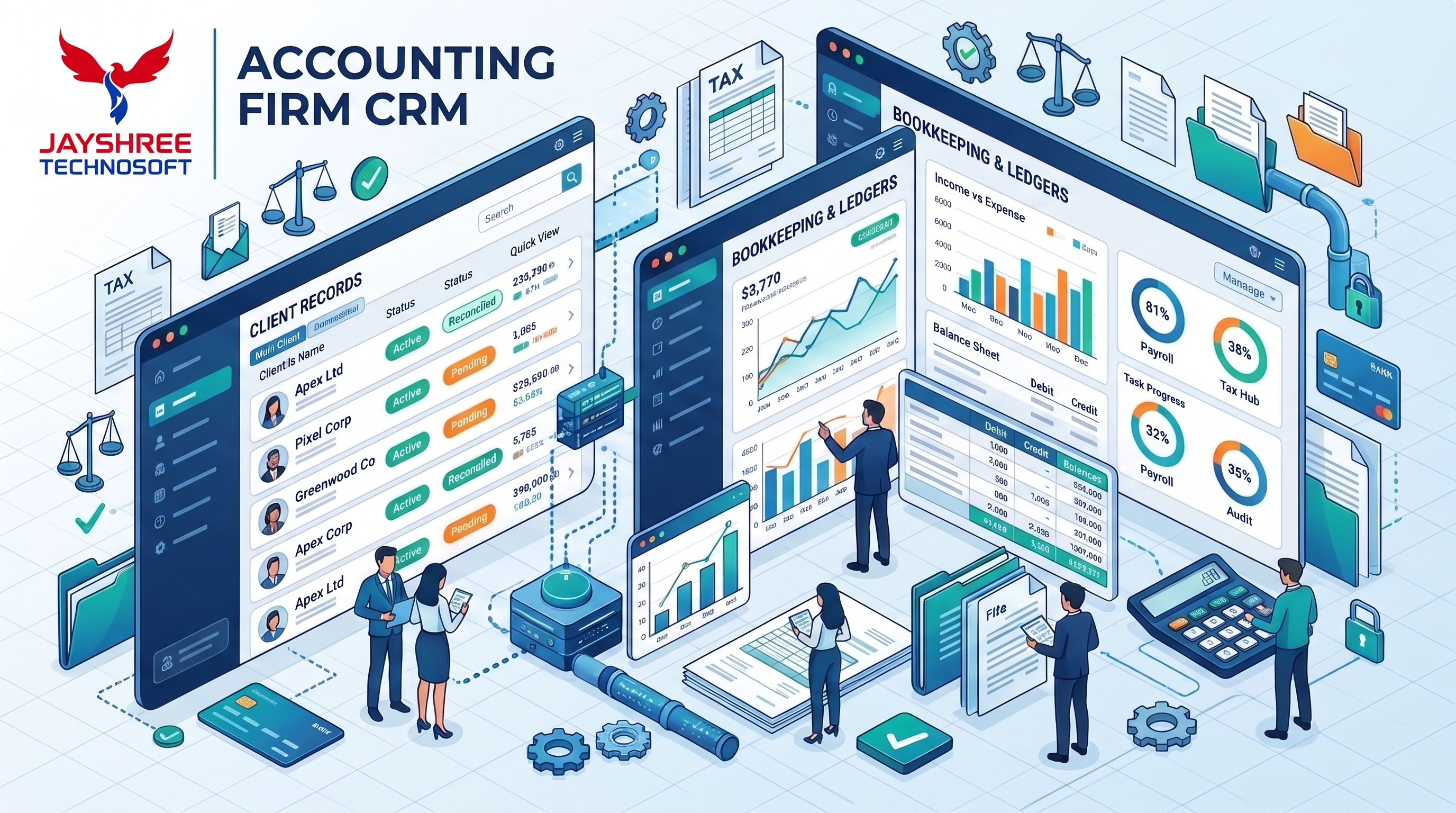
Custom CRM & Software Solutions for Accounting Firms: How Jayshree Technosoft Can Help