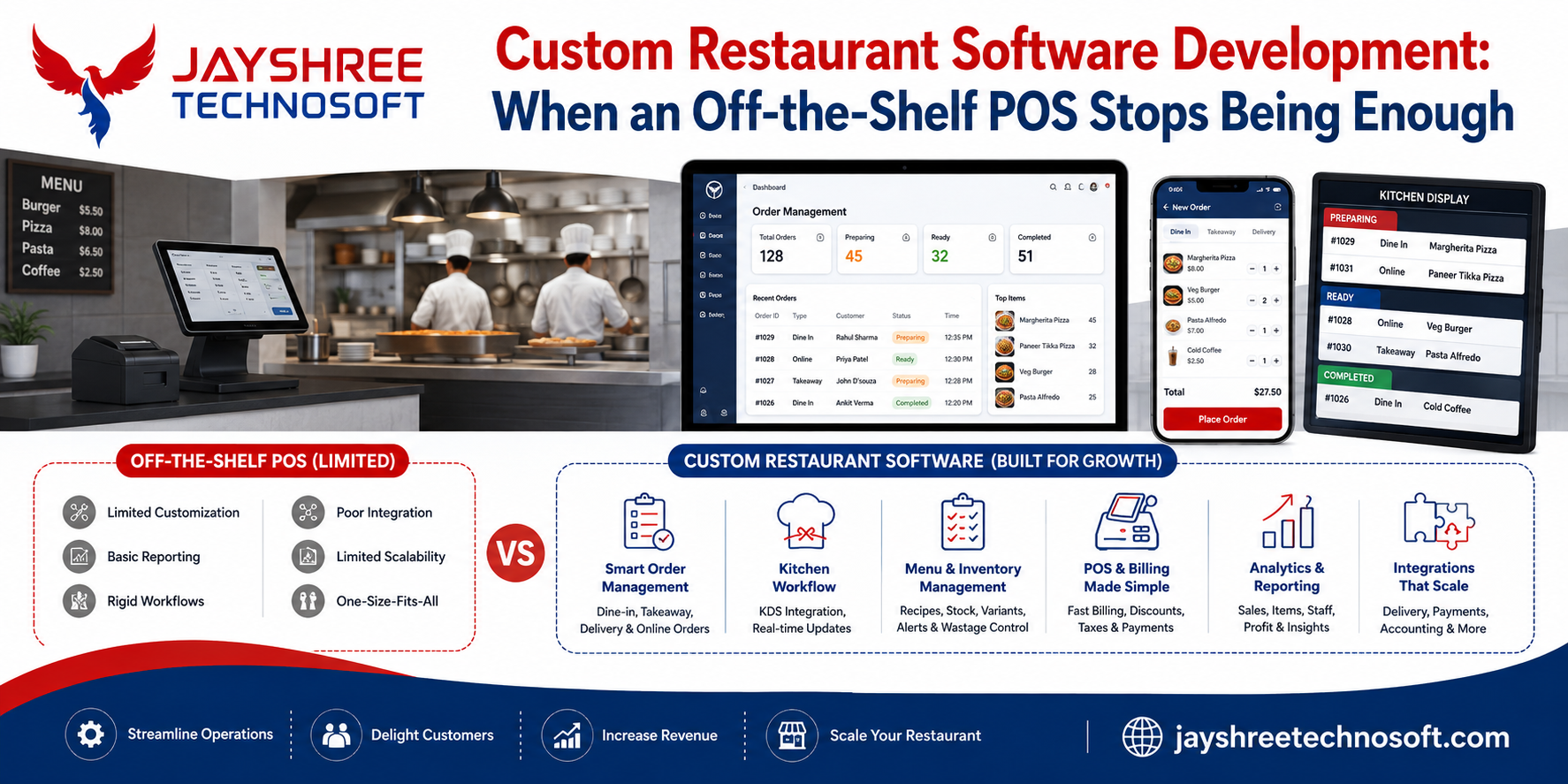
Plenty of restaurants run happily on ready-made billing software for years. Then something changes. A second outlet opens, a loyalty scheme needs to work in a way no product supports, or the kitchen workflow stops matching what the software assumes. Suddenly the team is working around the tool instead of with it.
That is usually the moment someone asks whether it is time to build something custom. It is a fair question, and the honest answer is sometimes yes and sometimes no. This guide helps you decide, and if the answer is yes, shows what a sensible custom restaurant software project looks like.
Start with an honest question: build or buy?
Custom software is not automatically better. A good ready-made product is cheaper to start, already tested and supported by a vendor. For a single café with standard needs, it is often the right choice, and a development company that tells you otherwise is not being straight with you.
Custom starts to make sense when your process is genuinely different, when you need to connect systems that off-the-shelf tools do not link, or when you expect to keep changing the software as the business grows. Jayshree Technosoft has written a short framework on this question, Custom Software or Ready-Made Product?, which is worth reading before you talk to any developer.
Signs you may have outgrown ready-made software
None of these is a verdict on its own, but several together are a signal:
- Staff keep a parallel spreadsheet because the software cannot record something important
- Each outlet has slightly different menus, prices or workflows that the tool handles poorly
- You need a customer-facing app or ordering page that behaves like your brand, not the vendor's
- Reports exist, but not the ones the owner actually needs
- Connecting billing, inventory and delivery means copying data by hand
What restaurant software must do at peak hour
A system that looks fine in a demo can fall apart at 8:30 on a Saturday. Restaurant software has some unusual demands, and these are the ones worth planning for early.
Orders must reach the right place quickly. A Kitchen Order Ticket has to go to the correct station, and changes have to follow it. If a dish is cancelled after it is sent, the kitchen needs to know immediately.
Billing has to keep working when things are messy. Split bills, discounts, merged tables and corrections are everyday events. Ask how the software behaves when connectivity is poor, because restaurant networks are not always reliable.
Roles must be clear. The cashier, waiter, manager and owner should each see only what they need. Role-based access protects both money and customer data.
Menus change constantly. Prices, availability and combos shift daily. Updating them should take seconds, not a support ticket.
Reports should answer real questions. Which dishes sell, which hours are slow, which outlet is slipping. If the numbers are hard to read, nobody will use them.
Integrations: promise less, check more
Restaurants rarely run in isolation. Payment gateways, accounting tools, printers and delivery or ordering platforms often need to connect. Here, honesty matters. Whether a custom system can connect to a third-party platform depends on what interfaces that platform makes available and on its partnership terms. A reliable development partner will check this early and tell you what is possible, not promise everything up front.
Web, Android, iOS: choosing where it runs
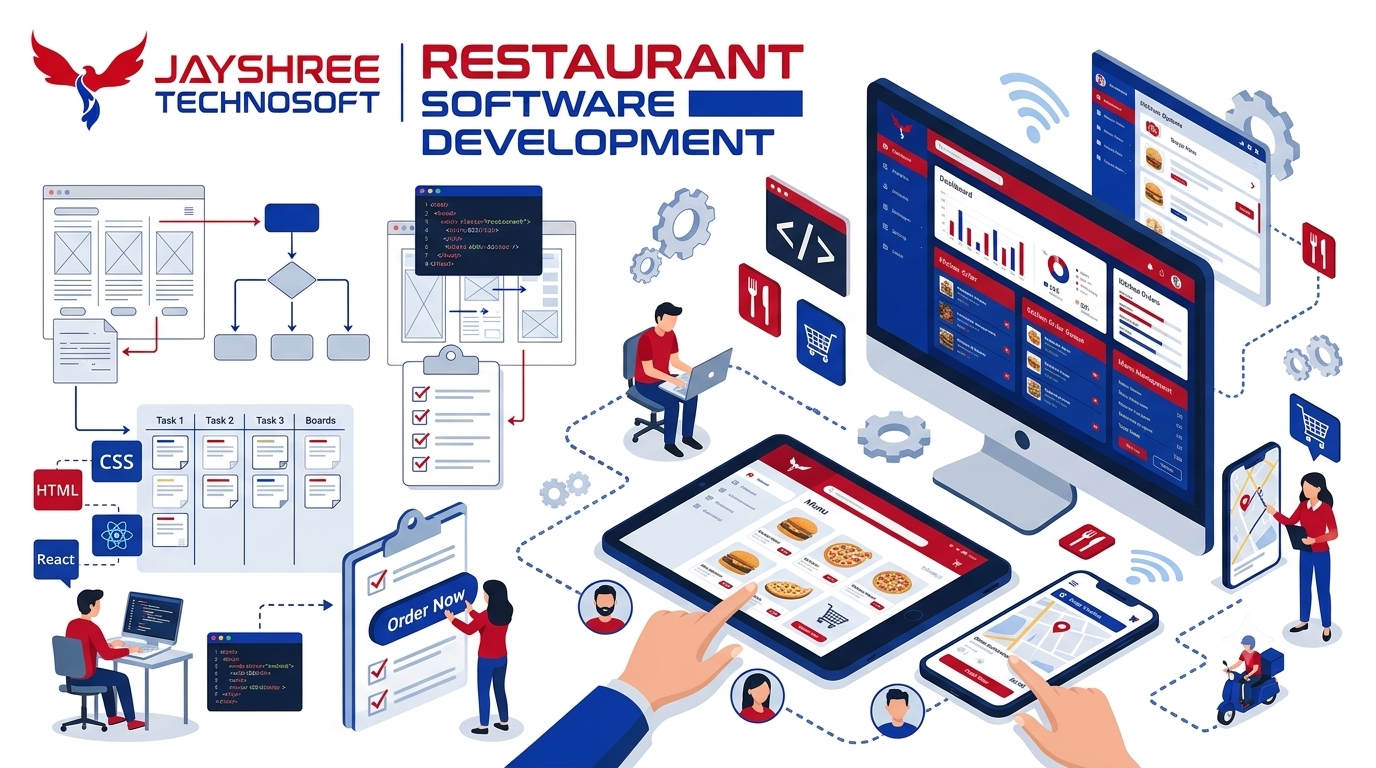
A restaurant system often needs more than one kind of screen: a counter computer, a waiter's tablet or phone, perhaps a customer-facing app. Jayshree Technosoft works across web development, Android development and iPhone development, and lists frameworks such as React, Next.js, Node.js, Laravel, Flutter, React Native, Swift and Kotlin on its site.
The right choice depends on your needs, not on fashion. A web-based dashboard for owners plus an Android app for floor staff is a common and cost-conscious starting point, with an iOS app added if customers need it.
Design for people in a hurry
Restaurant staff use software while carrying plates, answering guests and watching the clock. Large buttons, clear order status and as few taps as possible matter more than visual flair. Good UI and UX design here is practical: it reduces mistakes under pressure and shortens the time it takes a new waiter to become useful.
How a custom project is usually planned
Jayshree Technosoft describes a five-step process, and it maps neatly onto a restaurant project:
- Discovery and analysis: map how orders, tables, kitchen, billing and delivery actually work today, including the awkward exceptions.
- Design: sketch the screens for each role and agree on them before building.
- Development: build in stages so you can see progress and give feedback.
- Testing and QA: test with realistic scenarios such as a split bill, a cancelled item and a poor connection.
- Launch and support: roll out carefully, train staff and keep improving.
You can read more about the approach on its How We Work page.
Start small with an MVP
The most common mistake is trying to build everything at once. A smaller first version, perhaps tables, orders, KOT and billing for one outlet, gets into real use faster and shows you what you actually need next. The reasoning is covered in MVP Development for Startups, and it applies just as well to a restaurant group.
Write your requirements before you call anyone
You do not need to be technical to do this. List your workflows in plain language, including what goes wrong. Note which integrations are essential and which can wait. Separate must-haves from nice-to-haves. Jayshree Technosoft's guide, How to Write Software Requirements, offers a simple template. A clear brief also makes quotes easier to compare.
Security and customer data
A restaurant system holds sales records, staff details and often customer phone numbers. Ask how data is stored, who can see it, how backups work and what happens if something goes wrong. If you plan to message customers, build in consent and an opt-out from the start.
Benefits for different restaurant sizes
Single outlets usually do best with a ready-made product unless their workflow is unusual. Growing groups with several outlets often gain the most from custom reporting and consistent processes. Chains and food brands with their own ordering channels may need custom integration and branded apps. Cloud kitchens and multi-brand kitchens sometimes need custom order routing across brands. Be honest about which group you are in.
What to look for in a development partner
- Willingness to say when custom is not the right answer
- A clear process and regular demos during development
- Straight talk about integration limits
- Testing included, not treated as an extra
- Support and maintenance after launch
- Flexibility to work with your team, including dedicated developers if you want them
Also ask directly about experience with restaurant or hospitality workflows, and request relevant examples. Industry fit is something to confirm in a conversation, not assume from a website.
Conclusion
Custom restaurant software is worth building when your operation is genuinely different or your plans have outgrown what products offer. It is not worth building just because it sounds impressive. Decide honestly, write down your requirements, start with a focused first version and test it under real conditions.
If you are weighing this up, you can talk through your scope with the Jayshree Technosoft team and see whether custom, ready-made or a mix is the better fit.