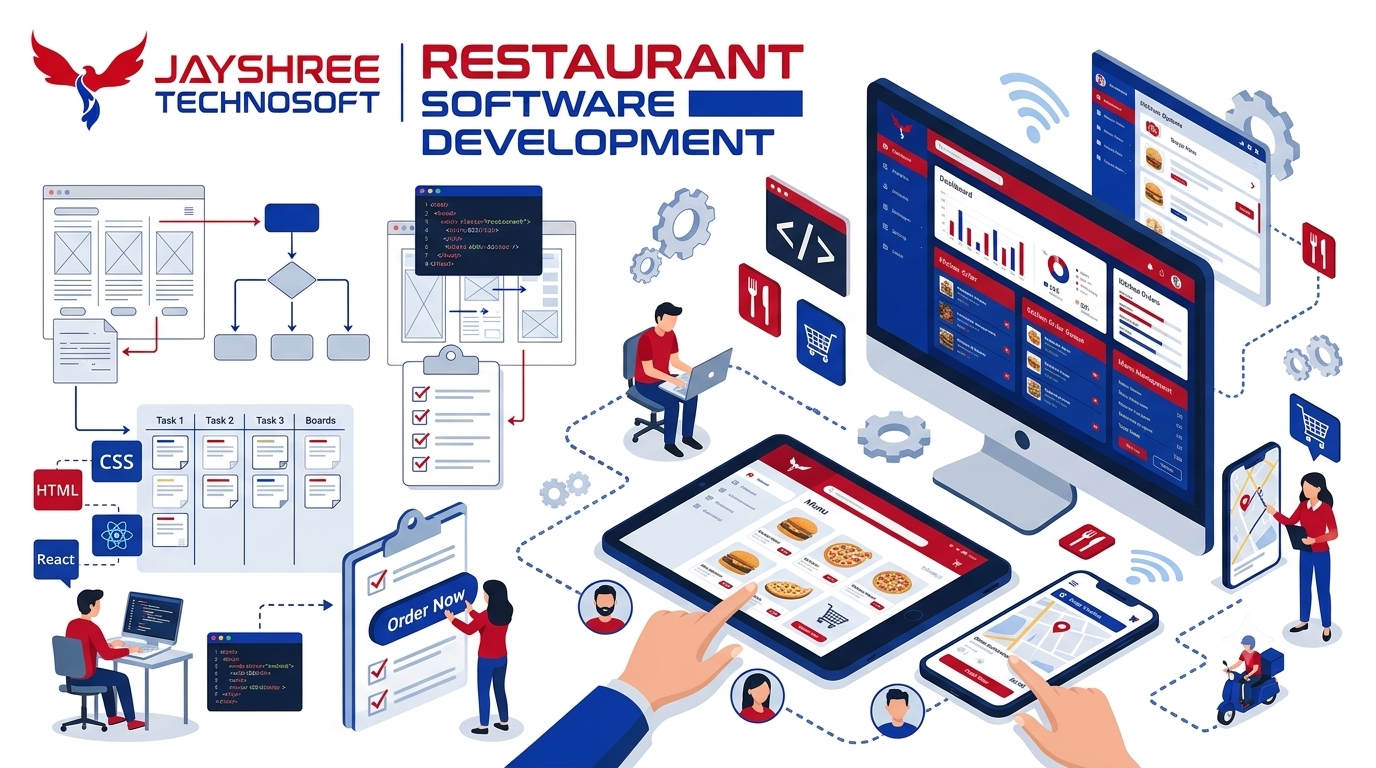
Off-the-shelf restaurant software works well for many outlets. But some businesses outgrow it. A cloud kitchen with its own rider network, a café chain that wants a branded ordering app, or a food court with unusual billing rules may find that standard tools force them to change how they work.
That is when custom restaurant software development becomes worth considering. This article walks through what such a project usually involves, how Android, iOS and Windows apps fit together, and what to settle before a developer writes any code.
Why Some Restaurants Choose Custom Software
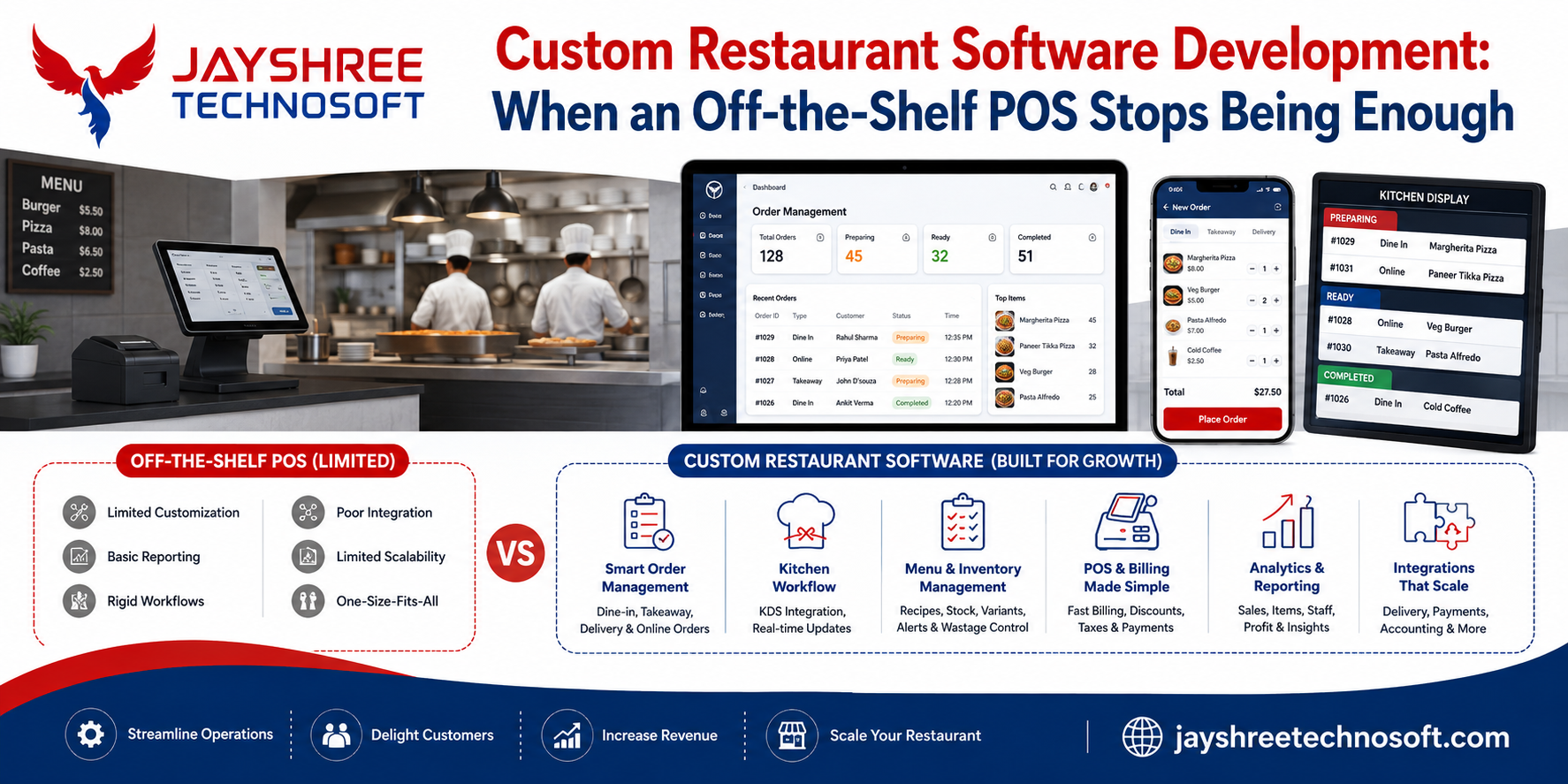
Readymade software is quicker to start with. Custom software is built around your process. Typical reasons restaurants go custom include:
- A unique billing or discount structure that standard tools cannot handle
- A need for a branded customer ordering app
- A multi-outlet setup with central control but local autonomy
- Integration with an existing accounting or delivery system
- A wish to own the product and its roadmap
If your needs are simple, a ready solution is often the more sensible choice. Custom development pays off when your workflow is the competitive advantage.
Core Modules in a Restaurant Software System
Most restaurant platforms are built from a handful of building blocks. The exact list depends on your business, but these are common.
POS and billing. The counter screen where orders are taken and bills are generated. It needs to be fast, forgiving of mistakes and easy for new staff to learn.
Kitchen order tickets (KOT) and kitchen display. Orders flow from the counter or waiter to the kitchen in real time. Some restaurants print tickets, others prefer a kitchen screen. Both need reliable syncing.
Table and reservation management. A floor plan that shows status and handles bookings from phone calls, walk-ins and online requests.
Menu management. Categories, prices, add-ons and availability that can be updated without a developer.
Online ordering and delivery. A customer-facing ordering flow plus an internal view for assigning and tracking deliveries.
Customer records. Names, contact details and order history, handled carefully with privacy in mind.
Staff, expenses and reports. Role-based access so a waiter sees different screens from a manager, and reporting so owners can review performance.
Android, iOS and Windows: Which Platform Does What?
A common mistake is to treat "the app" as one thing. In a restaurant, different people use different devices.
Android. Android phones and tablets are widely used for waiter ordering, manager dashboards and delivery staff apps because of their range and cost. Jayshree Technosoft lists Android development among its services, using technologies such as Kotlin and Android SDK.
iOS. Owners and customers who use iPhones and iPads will expect the same quality of experience. The company also lists iPhone development, with Swift and iOS SDK among its stack. Many projects build Android and iOS together using a cross-platform framework such as Flutter or React Native, both of which appear on the company's technology list. Whether native or cross-platform is better depends on performance needs, budget and long-term plans.
Windows. Billing counters often run on desktop computers connected to printers, cash drawers and barcode or label devices. A Windows application can suit these setups. Because hardware support can be demanding, discuss it early. Windows desktop development is not shown as a separate named service on the website, so confirm scope and approach with the team during discovery.
Web dashboard. A web-based admin panel, built with technologies such as React.js, Node.js, Laravel or Python, often sits behind all of these, letting owners view reports from any browser.
Architecture Questions to Settle Early
Good restaurant software feels simple because the hard decisions were made in advance. Raise these questions at the start.
- What happens when the internet drops? A billing counter cannot stop because of a router fault. Decide whether the app needs an offline mode and how data will sync afterwards.
- How many outlets will you run? A single branch and a ten-branch chain need very different data structures.
- How will KOT reach the kitchen? Printer, screen or both?
- Who can see what? Define roles for owner, manager, cashier, waiter, kitchen and rider.
- Which systems must connect? Payment gateways, accounting tools, delivery platforms or messaging services. List them before the project begins. Integrations always need separate scoping.
- How will data be protected? Decide how customer information is stored, who can access it and how backups work.
- Where will it be hosted? The company mentions cloud deployment on AWS, Azure and GCP, which is worth discussing based on your scale and budget.
Use Cases by Restaurant Type
Cloud kitchens need order intake, kitchen flow and delivery tracking more than table management. A lean Android app for kitchen and riders, plus a web dashboard, may be enough.
Cafés and bakeries usually value quick billing, a simple menu editor and a loyalty or repeat-customer feature. A tablet-based POS with a clean interface often works best.
Fast food and QSR chains need speed above all. Streamlined screens, fast KOT and strong reporting across branches matter.
Bars, pubs and lounges often need reservations, table-wise billing and role-based access for service staff.
Sweet shops and ice cream parlours may need counter billing with weight- or quantity-based items and festival-season menu changes.
Caterers and food courts need order planning, payment tracking and expense records spread across events or counters.
Benefits by Business Size
Small restaurants benefit when a developer builds only what they need, avoiding the cost of unused features. Mid-sized groups gain consistency across outlets. Larger brands can integrate software with existing systems and shape a customer app that reflects their identity.
How a Typical Development Process Works
Jayshree Technosoft describes a five-step approach on its website: discovery and analysis, design, development, testing and QA, and launch and support. For a restaurant project, that usually translates into:
- Discovery: Understanding your menu, billing rules, staff roles and pain points.
- Design: Wireframes and screens for each role, tested with the people who will actually use them.
- Development: Building modules in stages, so you can review progress.
- Testing: Trying real scenarios, such as a rush-hour order flood, split bills and cancelled items.
- Launch and support: Training staff, going live at a quiet time and fixing issues quickly.
How to Choose a Development Partner
- Ask to see how they plan requirements before coding starts.
- Check which platforms and technologies they work with, and whether they can explain trade-offs in plain language.
- Ask how testing is done and who supports you after launch.
- Request a clear scope document and discuss what is included and excluded.
- Be cautious of anyone who promises everything instantly or hides costs.
Build or Buy?
If a ready tool fits 80 percent of your needs, buying may be smarter. If you need more than modifications can offer, custom development gives you control. Restaurants that already use a ready CRM such as DataBridge can still work with a development team for add-ons, such as a branded customer app, where scope and compatibility are confirmed first.
Start a Conversation
If you are planning restaurant software and want an honest view of scope, platforms and approach, the team at Jayshree Technosoft can help you think it through. Learn about their Android development, iPhone development and web development services, read about how they work, or contact the team to share your requirements.
FAQs
1. When should a restaurant choose custom software over a ready-made tool? When your billing, ordering or multi-outlet workflow does not fit standard software, or when you want a branded customer app and full control over future changes.
2. Can one project cover Android, iOS and Windows? Often yes, but not always with one codebase. Android and iOS can sometimes share a cross-platform framework, while a Windows counter application may need separate planning for printers and hardware. The approach should be agreed during discovery.
3. What technologies are used for restaurant app development? Jayshree Technosoft lists Flutter, React Native, Swift, Kotlin, React.js, Node.js, Laravel, PHP, Python, MySQL and MongoDB among its technologies. The final stack depends on your requirements.
4. Should a restaurant POS work offline? It depends on your internet reliability and how critical uninterrupted billing is. Many owners ask for offline capability, but it must be planned from the start.
5. How do I start a restaurant software project?
List your current process, pain points, devices, outlets and integrations, then share it with a development team during an initial discovery discussion.
#JayshreeTechnosoft #RestaurantSoftware #CustomSoftwareDevelopment #AppDevelopment #FoodTech
Restaurant Software Development, Custom Restaurant Software, Restaurant POS Development, Food Ordering App Development, Restaurant ERP, KOT System, Cloud Kitchen Software, Android App Development, iOS App Development, Software Company Jaipur
Recent Articles
Property Management Software Development for Hotels: What to Plan Before You Build
Custom POS Software Development for Retail Businesses: Features, Platforms and Planning
Custom Restaurant Software Development: When an Off-the-Shelf POS Stops Being Enough