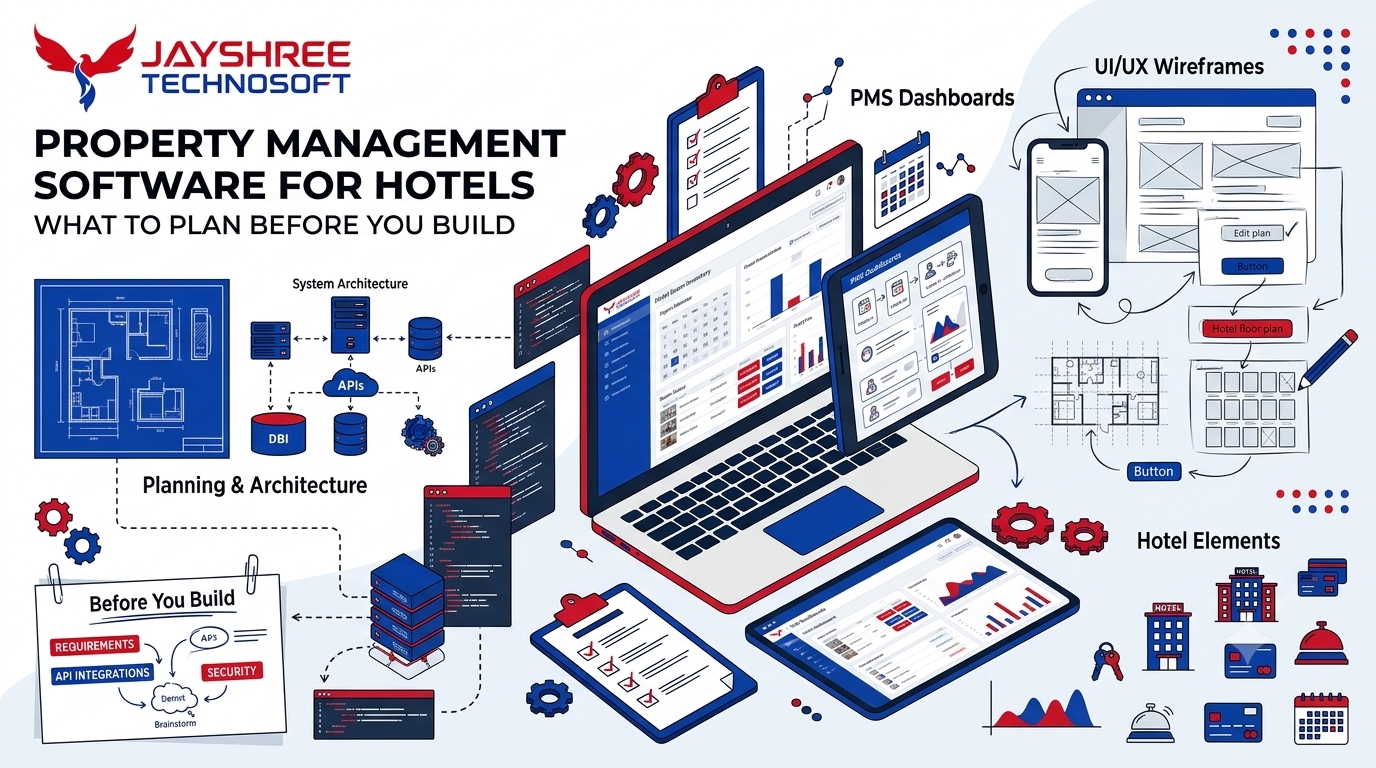
Many hotels start with ready-made software and it serves them well. But as a property grows, adds a restaurant, opens a second location or tries to offer something its competitors cannot, the standard tool can start to feel like a straitjacket.
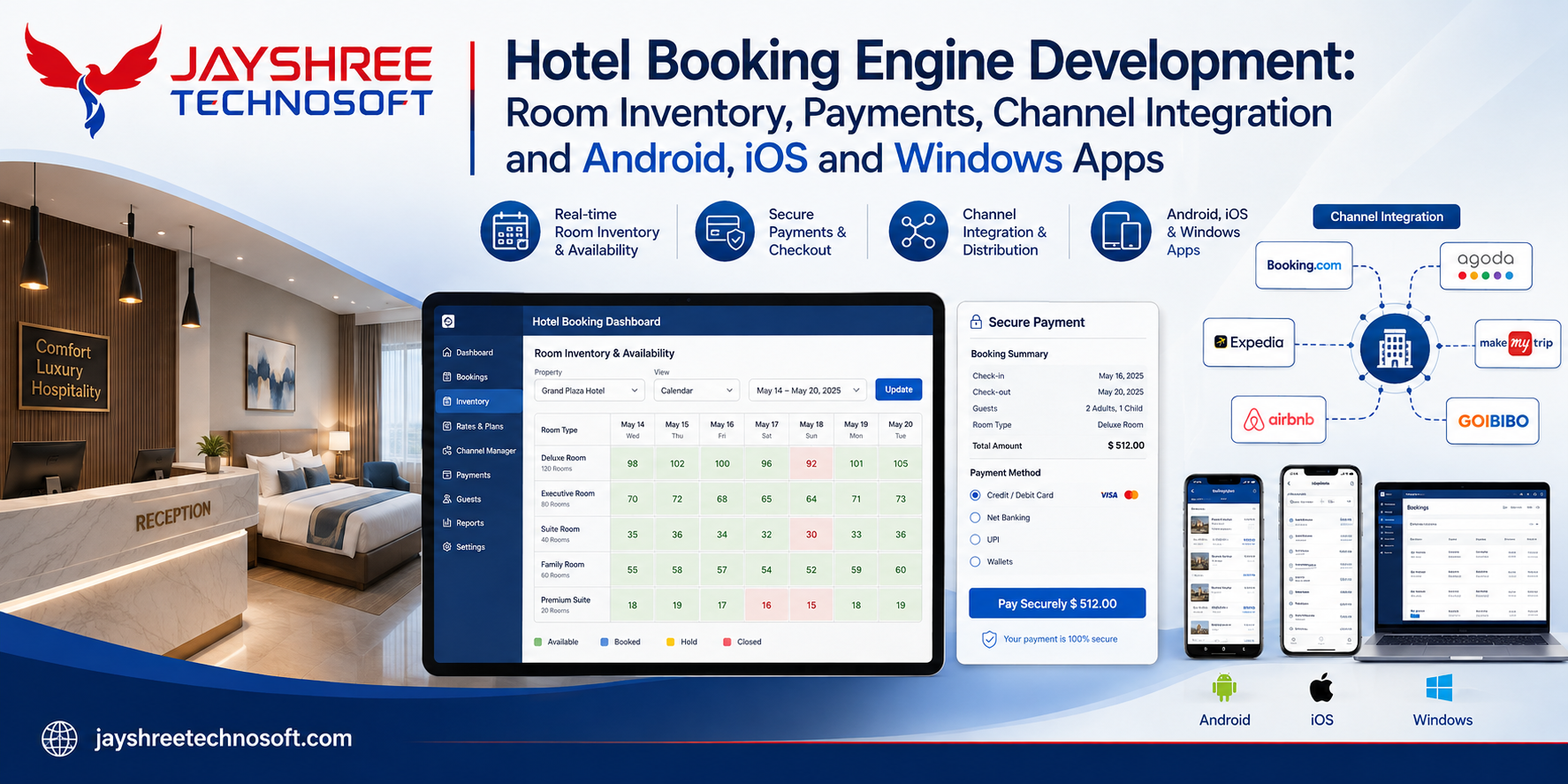
Custom property management software, usually shortened to PMS, is worth considering at that point. This article explains what a hotel PMS typically contains, how Android, iOS and Windows apps fit in, and the decisions worth making before development begins. If your main interest is online booking, the company has also published a separate guide on hotel booking engine development.
What Does a Hotel PMS Do?
A PMS is the operational heart of a property. It tracks rooms, guests, reservations, charges and day-to-day tasks so that front desk, housekeeping, accounts and management all work from the same facts.
It is different from a booking engine, which mainly lets guests search and book online. A PMS runs what happens after the booking: arrival, stay, billing and departure.
When Does Custom Development Make Sense?
- Your property has unusual room types, packages or pricing rules.
- You run multiple services, such as rooms, banquet, spa and restaurant, and want one flow.
- You want staff apps designed around your own procedures.
- You need to connect with an existing accounting or payment system.
- You operate several properties and want central control with local flexibility.
If none of these apply, a ready-made PMS is often faster and cheaper. Custom work should solve a real gap.
Core Modules to Consider
Reservations and room management. Room types, availability, rate rules and booking status. The room view should be clear enough that a new receptionist can use it on day one.
Front desk. Check-in, check-out, guest details, room allocation and special requests.
Billing and folio. Room charges, service charges, taxes, discounts and payments recorded per guest. Tax handling needs to be reviewed carefully with an accountant and tested before launch.
Housekeeping. Room status, cleaning assignments and maintenance requests, so the front desk knows when a room is ready.
Guest profiles. Contact details, stay history and preferences, stored with privacy and access control in mind.
Reports. Occupancy, collections, pending payments and daily summaries for owners and managers.
Optional modules. Restaurant POS, banquet booking, inventory, staff management or a guest-facing app, depending on your priorities.
Android, iOS and Windows: Matching Devices to Roles
Hotel staff do not all work from the same screen, so the platform choice should follow the job.
Windows desktop. The front desk is often built around a desktop computer connected to printers, card readers or other devices. A Windows application can suit this environment. The company's website does not list Windows desktop development as a separate named service, so it is best discussed and scoped at the start.
Android. Android tablets and phones work well for housekeeping updates, maintenance requests and manager dashboards. Jayshree Technosoft lists Android development, with Kotlin and Android SDK in its stack.
iOS. Owners and guests may prefer iPhone or iPad. The company lists iPhone development with Swift and iOS SDK. Where budgets are limited, cross-platform frameworks such as Flutter or React Native, also listed on its website, are sometimes considered for sharing code between Android and iOS. The right choice depends on performance, features and long-term plans.
Web dashboard. A browser-based admin panel lets owners view reports from anywhere. Web technologies listed by the company include React.js, Node.js, Laravel, PHP and Python, with MySQL or MongoDB for data.
Key Design Decisions to Settle Early
- Who uses it, and what do they need? Interview receptionists, housekeeping supervisors and accountants. Design around their routines, not around assumptions.
- Offline behaviour. If the internet drops during check-in, what should happen? Decide whether the system needs to keep working and sync later.
- Roles and permissions. A housekeeper should not see billing; a receptionist should not edit rates.
- Integrations. Payment gateways, accounting tools, messaging services or online travel agencies. Each integration must be scoped separately, and availability depends on the third party's own terms.
- Data protection. Decide how guest identity details and payment-related information are stored, who can see them and how backups are handled. Take legal advice on rules that apply to your business.
- Hosting and scale. The company mentions cloud deployment on AWS, Azure and GCP. Choose based on traffic, budget and your team's comfort.
- Growth plan. If you may add properties or services later, ask the developer how the system will handle that.
Use Cases by Property Type
Boutique hotels need guest personalisation and a clean, elegant interface. Resorts often need activity and package management alongside rooms. Guest houses and homestays may need a lean system that is easy to run with a small team. Hostels benefit from bed-level booking logic. Serviced apartments and holiday homes typically need longer-stay billing and maintenance tracking. Large hotels may need multi-department workflows with detailed permissions.
Benefits by Business Size
Smaller properties can avoid paying for modules they will never use. Mid-sized hotels gain consistency across departments. Larger groups can build reporting and controls that match their own management structure.
A Practical Development Process
The company describes five stages on its website: discovery and analysis, design, development, testing and QA, and launch and support. For a hotel PMS, a sensible plan might be:
- Discovery: Map the guest journey and internal workflows with the people who run them.
- Design: Create screens for each role and test them with real staff.
- Development in phases: Launch core modules first, such as reservations, front desk and billing, then add housekeeping and reports.
- Testing: Try real scenarios, including group bookings, early check-ins, split bills and cancellations.
- Launch and support: Train staff, go live during a quieter period and keep a support channel open.
Choosing a Development Partner
- Ask how they gather requirements and document scope.
- Ask what is included and what is excluded, in writing.
- Check which technologies they will use and why.
- Ask how testing and post-launch support are handled.
- Be cautious about vague promises or unrealistic timelines.
Final Thoughts
A good hotel PMS removes friction for your staff and guests rather than adding to it. The strongest projects start with clear requirements, phased delivery and honest conversations about trade-offs.
If you are exploring custom hospitality software, the team at Jayshree Technosoft can help you scope it. Read about how they work, explore Android and iPhone development, or contact the team to discuss your project.
L. Five FAQs
1. What is the difference between a hotel PMS and a booking engine? A booking engine handles online search and booking. A PMS manages operations such as check-in, housekeeping, billing and reports.
2. Should I build custom hotel software or buy a ready-made one? If standard software meets most of your needs, buying is often more practical. Build custom when your workflows, services or integrations are not supported.
3. Can the same project include Android, iOS and Windows apps? Yes, but each platform should be scoped on its own, especially Windows applications that connect to hardware.
4. How are OTA and payment integrations handled? They are planned as separate items, since availability and requirements depend on the third-party providers.
5. How do I begin?
List your rooms, services, staff roles, devices and integrations, then share them with a development partner during a discovery discussion.
#JayshreeTechnosoft #HotelSoftware #HospitalityTech #SoftwareDevelopment #AppDevelopment
Property Management Software Development, Hotel Management Software Development, Custom Hotel PMS, Hospitality ERP, Hotel App Development, Android App Development, iOS App Development, Software Company Jaipur
Recent Articles
Restaurant Software Development: What to Plan Before You Build Android, iOS and Windows Apps
Custom POS Software Development for Retail Businesses: Features, Platforms and Planning
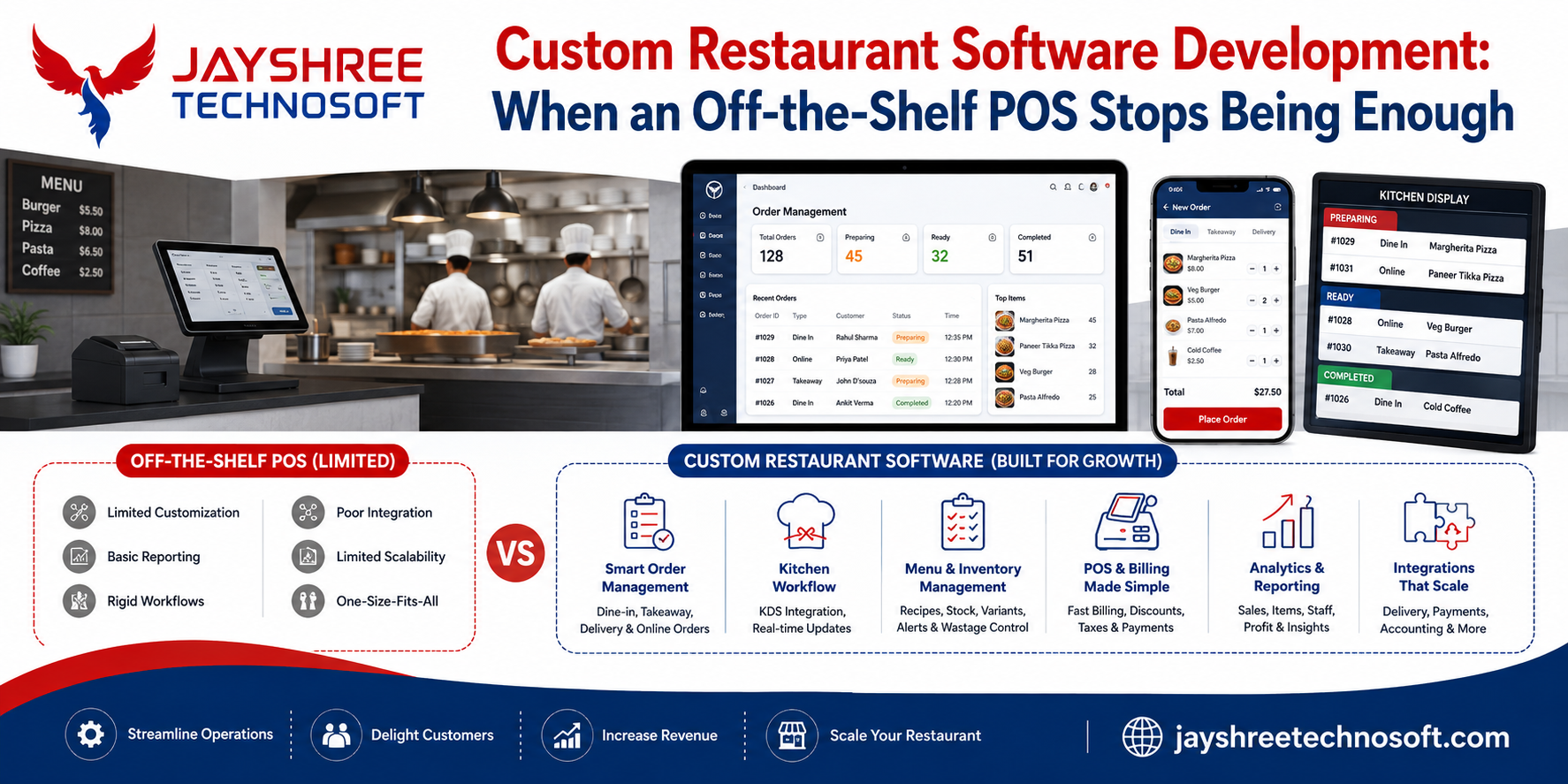
Custom Restaurant Software Development: When an Off-the-Shelf POS Stops Being Enough