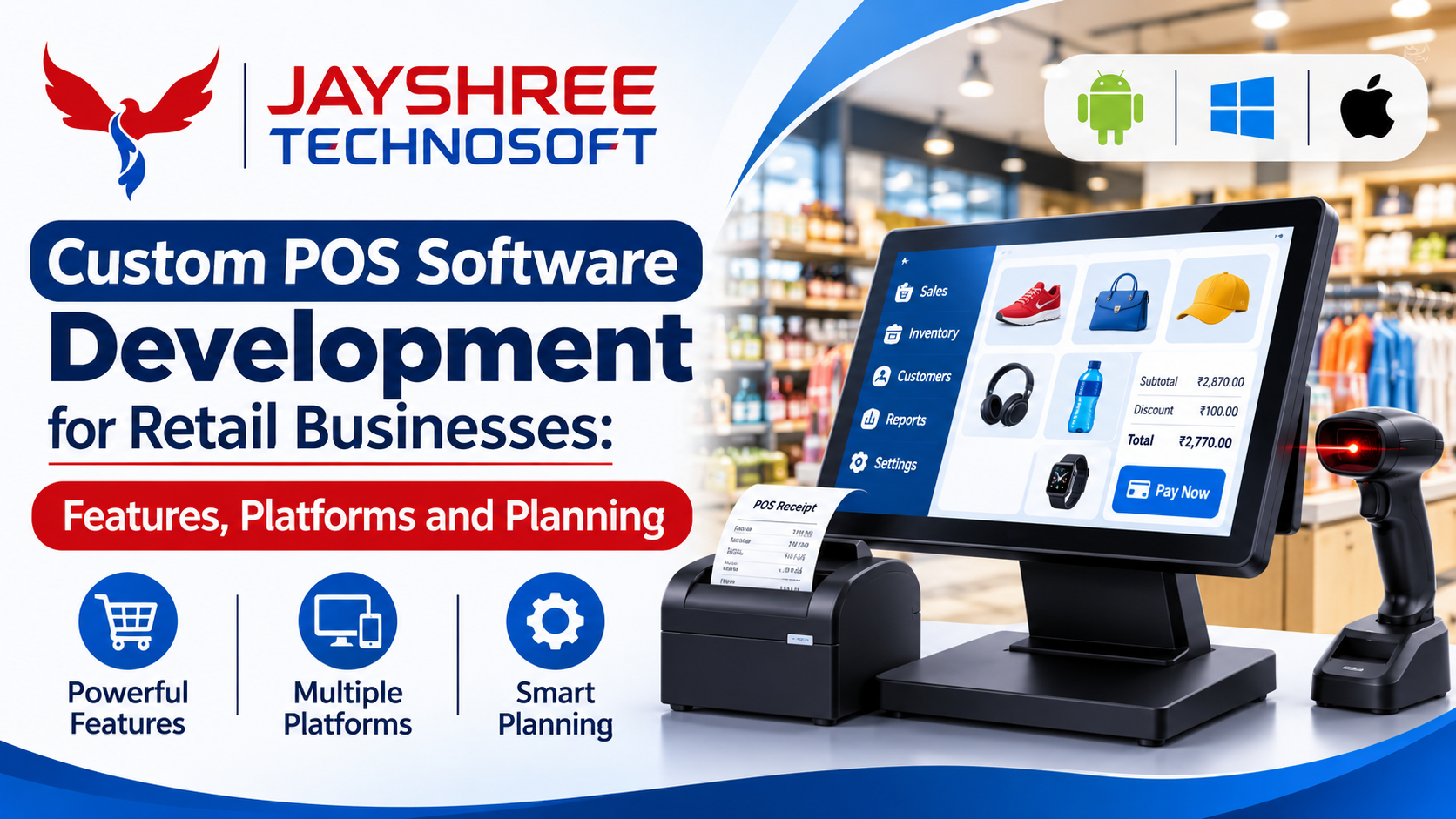
Ready-made billing software works well for a lot of shops. Then the business grows. A second store opens, a loyalty scheme gets added, the owner wants live numbers on a phone, and suddenly the software that felt perfect last year needs a workaround for everything.
That is usually the moment retailers start asking about custom POS software development. This guide explains what a retail POS actually involves, how to think about Android, iOS and Windows apps, and what to decide before a single screen is designed.
When ready-made is enough, and when custom makes sense
Be honest with yourself first. If you run one counter, bill in a standard way and need GST invoices, stock and a few reports, a ready-made POS is often the quicker and cheaper route.
Custom development starts to make sense when:
- Your billing rules are unusual, such as special pricing tiers, bundled items, franchise rates or approvals for discounts.
- You run several stores or warehouses and need stock and sales to sync between them.
- You want the POS to talk to your existing accounting, e-commerce or loyalty systems.
- You want your own branding and your own app on staff or customer devices.
- You are building a product for other retailers, not just for your own shop.
A middle path also exists. Many businesses start with a ready-made tool and move to custom when its limits become expensive. Planning for that move early saves data headaches later.
What a retail POS should cover
Whatever you build, the core is the same. A retail POS usually needs these modules:
- Billing and checkout: fast item entry, barcode scanning, discounts, returns and held bills.
- GST invoicing: correct tax rates, thermal and A4 formats, and invoice numbering that auditors can follow.
- Inventory: stock in and out, purchase entries, low-stock alerts, stock transfer between stores.
- Customers: contact details, purchase history and loyalty or credit balances.
- Payments: cash, card and UPI, including split payments.
- Reports: daily sales, product-wise and staff-wise views, and stock valuation.
- Users and roles: cashier, manager and owner access, with an activity trail.
A good first release does these well rather than doing twenty things halfway.
Android, iOS and Windows: choosing the platforms
This is the decision that shapes cost and timeline more than almost anything else, so it deserves a proper conversation early.
Windows is still common at the billing counter. A desktop PC or laptop sits next to the barcode scanner and receipt printer, runs all day and handles heavy item lists comfortably. If your counters look like this, a Windows app, or a browser-based counter screen, is likely your main client.
Android suits mobile billing, tablets on the shop floor, stock checks in the warehouse and owner dashboards on a phone. Android devices are easy to source in many price ranges, which matters when you equip several stores.
iOS matters if your owners, managers or customers use iPhones and iPads. It also suits premium retail, where an iPad at the counter is part of the look.
There is no rule that you need all three on day one. A sensible approach is to pick the device your cashiers use every day, build that well, and plan the others as the second phase on the same backend.
Native or cross-platform?
Native apps use each platform's own tools, such as Kotlin for Android and Swift for iOS. They give the closest fit to the device. Cross-platform tools such as Flutter or React Native let one team share much of the code across Android and iOS, which can shorten delivery. Neither is automatically better. The right choice depends on your hardware needs, your budget and how complex the screens are. This is exactly the kind of question a discovery phase should settle.
Offline mode and sync: the part people forget
Internet drops. A POS that stops billing when it does is a business problem, not a technical one. Ask early:
- Should the counter keep billing with no connection?
- How will bills sync when the network returns?
- What happens if two devices change the same stock figure?
Offline-first design adds effort, but for retail it is often worth it. The sync rules should be written down before development starts.
Hardware you will connect to
Software is only half of a counter. Typical hardware includes barcode scanners, thermal receipt printers, cash drawers, weighing scales and customer displays. Each device has its own drivers and quirks, and some work better on one operating system than another. List the exact models you plan to use, so the team can test them rather than assume.
Integrations worth planning
- Payment gateways and UPI for faster, trackable payments.
- Accounting software so bills do not get re-entered.
- E-commerce stores so online and shop stock stay in step.
- WhatsApp or SMS for sending invoices and offers.
- GST e-invoicing and e-way bills, depending on your turnover. Confirm the rules with your chartered accountant.
Architecture basics that save pain later
You do not need to be technical to ask good questions. A healthy POS usually has one central backend with an API that every app, whether Android, iOS, Windows or web, talks to. That keeps business rules in one place. It also means a price change made at head office reaches every counter. Around that core, look for role-based access, regular backups, encrypted data in transit and an audit trail for sensitive actions such as discounts and voids.
Jayshree Technosoft lists frontend tools such as React.js and Next.js, backend options including Node.js, Laravel, PHP and Python, databases such as MySQL and MongoDB, and mobile tools including Flutter, React Native, Swift and Kotlin. The final stack should follow your requirements, not the other way round.
How a custom POS project usually runs
Jayshree Technosoft follows a five-step delivery process:
- Discovery and analysis: requirements, workflows, devices and integrations are mapped.
- Design: counter screens are designed for speed, since a cashier cannot hunt for buttons.
- Development: the backend and apps are built in agile iterations, so you see working software early.
- Testing and QA: billing accuracy, tax rounding, offline sync and hardware are tested.
- Launch and support: the system goes live, ideally at one store first, and is monitored and improved.
Starting with a focused first release, covering billing, stock and reports for your main device, gets real feedback sooner than a huge all-at-once build.
What affects timeline and budget
Without knowing your requirements, any number would be a guess. These are the factors that move cost and time the most: the number of platforms, offline requirements, the number of integrations, hardware support, report complexity, data migration from your old system, and how many stores go live together. A short discovery phase turns these into a clear scope.
Questions to ask a development partner
- Who will own the source code and data?
- How will you test billing and tax accuracy?
- Which platforms and devices can you support, and how will you test hardware?
- How do updates reach all stores without disrupting billing?
- What support is available after launch?
- Can the system grow from one store to many?
Related reading and services
If stock is your biggest headache, read Jayshree's article on retail inventory management software development. For the app side, see the company's Android development, iPhone development and web development pages, or learn how the team works.
Conclusion
A custom POS is worth it when your business has needs that ready-made software cannot meet cleanly. Start by choosing the device your counters use, define the billing and stock rules in writing, plan for offline use and hardware, and release in stages. Done this way, the software follows the way your stores work instead of forcing them to change.
Planning a retail POS? Share your requirements with Jayshree Technosoft LLP through the contact page and discuss your platforms, integrations and rollout plan with the team.
FAQs
1. When should a retailer choose custom POS software? When billing rules, multi-store stock, integrations or branding needs go beyond what ready-made software handles. A single-counter shop with standard billing may not need it.
2. Can one POS work on Android, iOS and Windows? Yes, when it is planned with a shared backend. Apps for each platform talk to the same API. Most projects start with the main counter device and add the others in a second phase.
3. Should a POS work offline? For most retail counters, yes. Billing should continue without internet and sync later, with clear rules for resolving stock conflicts.
4. What should I prepare before approaching a developer? Your billing workflow, product and tax rules, device and hardware list, existing software, and the number of stores and users.
5. How do I know what the project will cost? Cost depends on platforms, offline needs, integrations and hardware. A discovery phase produces a scoped estimate for your requirements.
#JayshreeTechnosoft #POSDevelopment #RetailSoftware #CustomSoftware #AppDevelopment
POS software development company, retail POS software development, custom billing software development, POS app development, Windows POS application, retail management software development, POS integration, offline POS, GST billing software development, barcode POS development
Recent Articles
Property Management Software Development for Hotels: What to Plan Before You Build
Restaurant Software Development: What to Plan Before You Build Android, iOS and Windows Apps
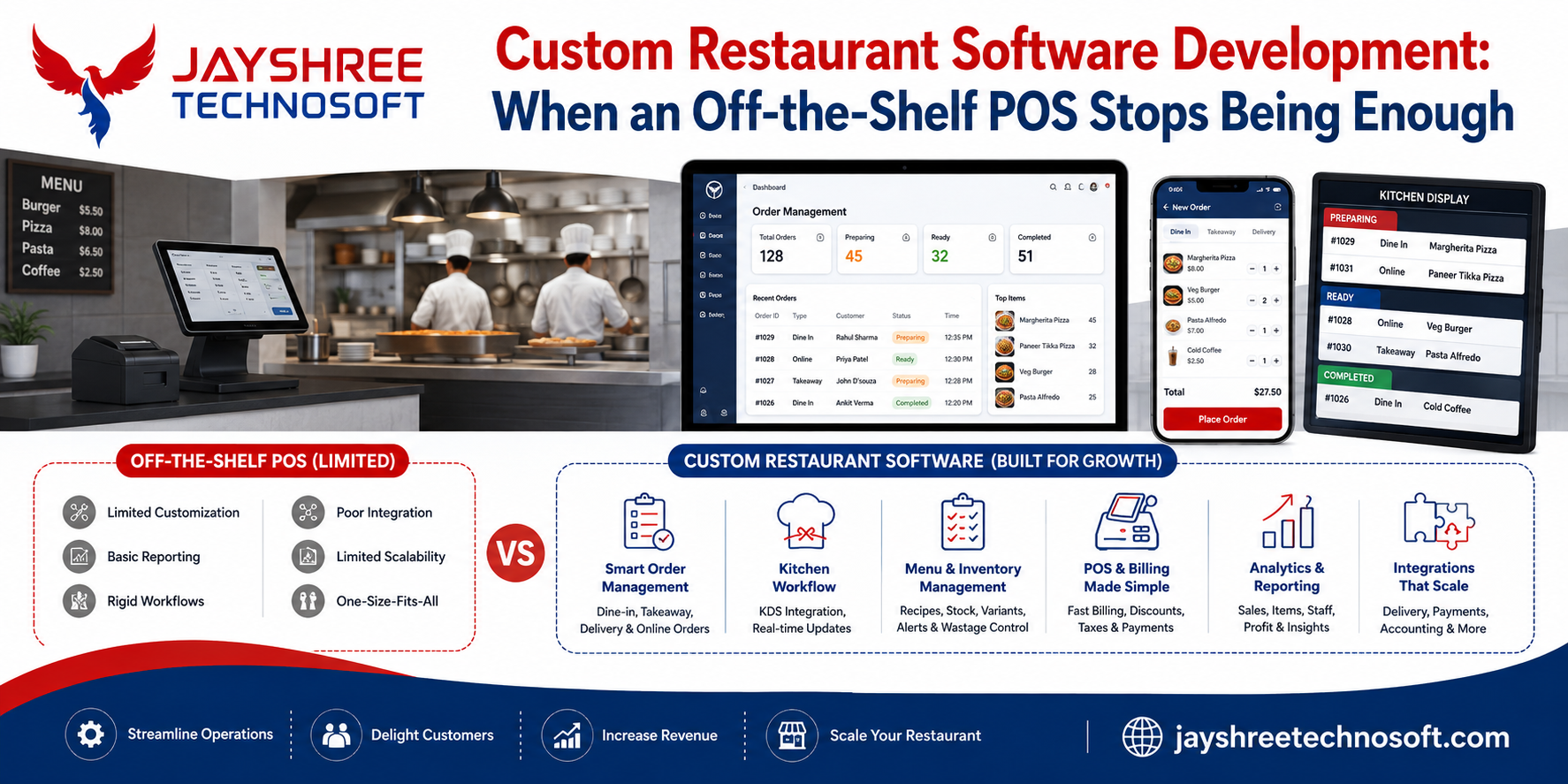
Custom Restaurant Software Development: When an Off-the-Shelf POS Stops Being Enough